Build Simple Online Income With Digital Products, Self-Publishing Books, And Affiliate Marketing
Start Building Multiple Income Streams With Free And Affordable Resources
This site includes links from a number of different affiliate programs. When you click on a link and make a purchase, we may earn a commission.
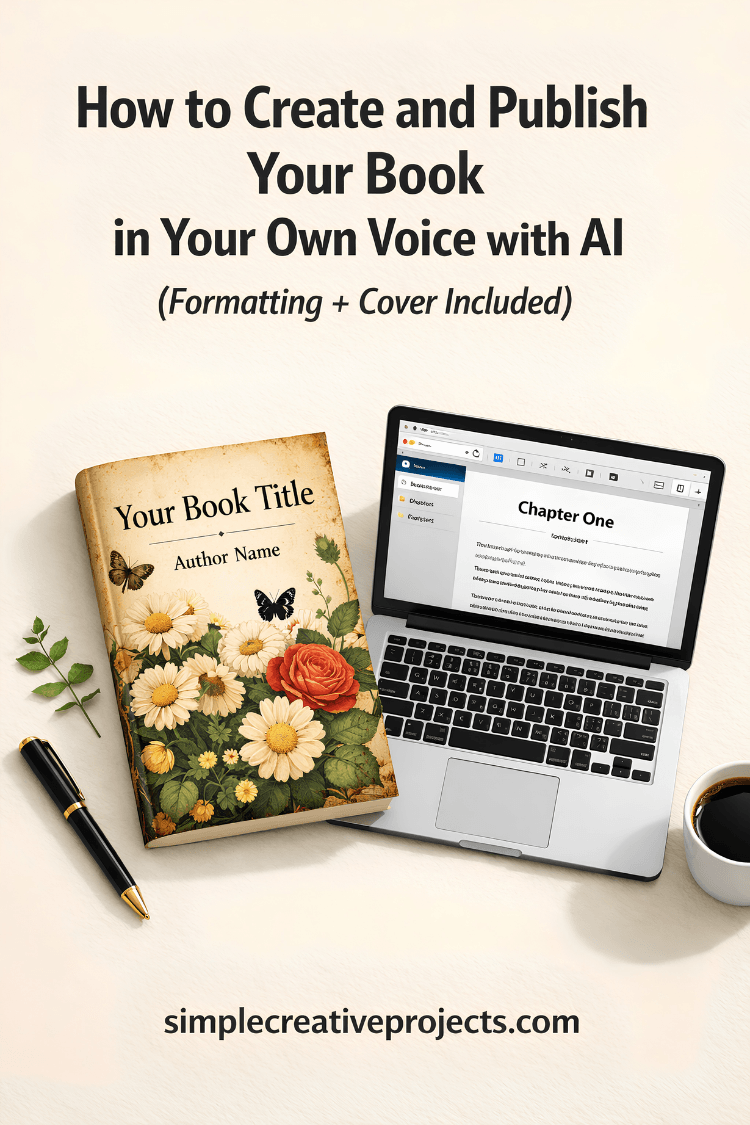
How to Create and Publish Your Book in Your Own Voice with AI (Formatting + Cover Included)
If you have a manuscript sitting in a folder and no idea how to get it formatted and published on Amazon, this tutorial series is for you.
What Is Built&Written?
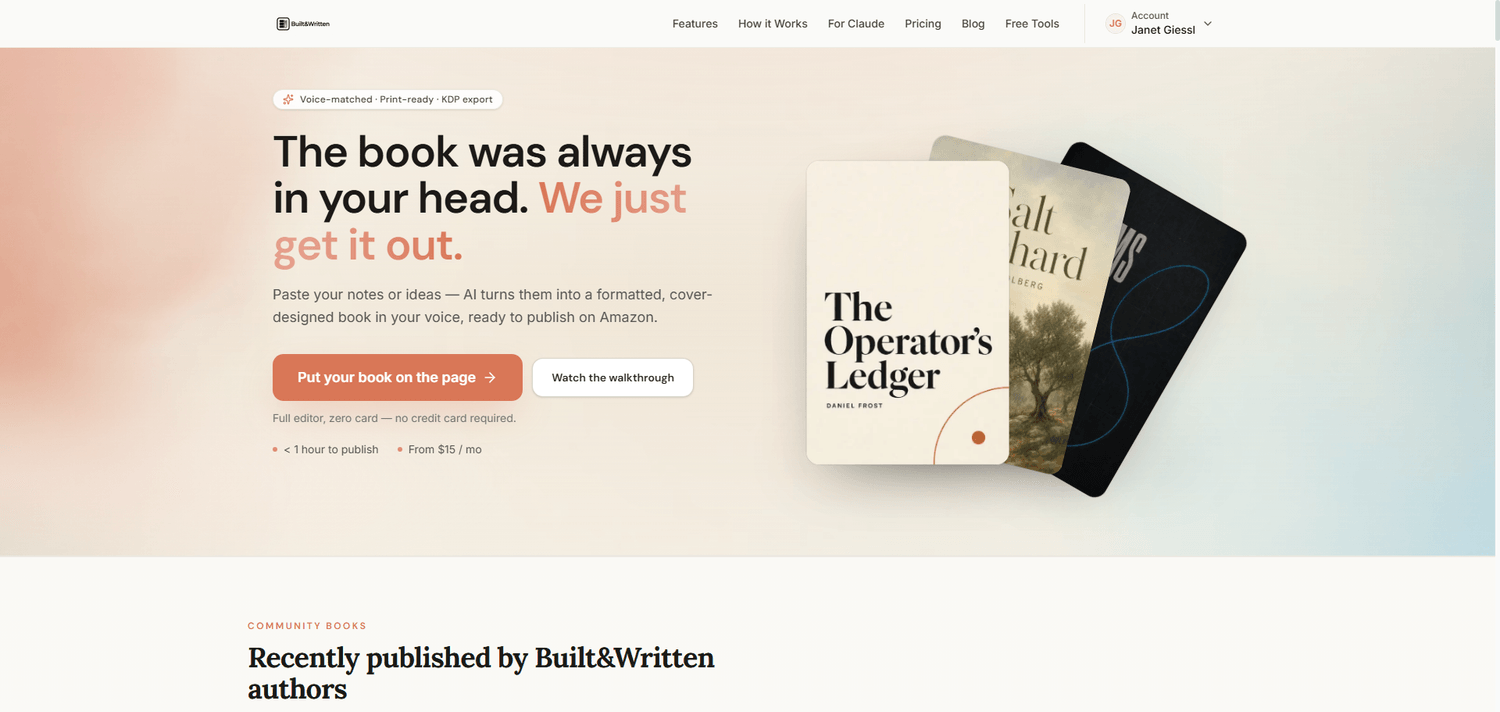
Built&Written is an AI-powered book creation platform designed for authors who want to publish on Amazon KDP. You upload a manuscript, and the tool walks you through every step - from structure and content editing to cover design and KDP export. It runs on GPT-5.4 and handles a lot of the technical formatting work that normally slows people down.
It is best suited for text-based books. It is not designed for low content books, or books that require images, illustrations, or lined pages inside the content.
What the Workflow Looks Like
The process is broken into clearly labeled steps inside the editor:
Upload - You start by uploading your manuscript. Built&Written analyzes the file and pulls in the content automatically.
Setup - Basic book details: title, subtitle, author name, trim size, and page settings. The tool confirms your specs are within KDP requirements.
Analyze - The AI reads through your manuscript and gives you a structural overview. This is where it identifies what you have and what might need attention.
Structure - Your chapters and sections are organized here. You can review and adjust how the book is broken up before moving forward.
Author - This is where you add your author name and bio. The bio is optional, but if you leave it empty there will be no About the Author page in the finished book.
Content - The AI generates supporting content based on your manuscript. This needs careful human review before you accept it.
Edit Content - You go through the generated content and make corrections. This step takes time. Plan to edit thoroughly.
Format - Font choices, spacing, margins, and page layout are handled here. The tool checks that everything meets KDP print requirements.
Cover - Built&Written generates a cover image based on your book details. You can add a custom AI prompt in the Extra Details field to get a more specific result. The cover editor allows you to adjust text, fonts, colors, and background settings. Note that the image overlay options are limited - you cannot make the background image transparent, which can make it harder to get clean text contrast. For more control over your cover design, you may want to export the manuscript and design the cover separately in a tool like Canva.
KDP Export - The final step. Built&Written runs a readiness check against KDP requirements and flags anything that needs attention. Once everything passes, you generate the PDF and download the KDP Package ZIP - a complete bundle with your manuscript PDF, cover image, metadata, and an upload guide.
The KDP Launch Co-pilot inside this step generates your full Amazon listing: a product description, seven keywords with relevance ratings, two browse categories, and a social launch kit with ready-to-copy posts. material.
Honest Takeaways
The content and listing side of Built&Written is genuinely useful. The keyword suggestions, category recommendations, and structured description save real time compared to writing everything from scratch.
The cover generator produces decent results when you give it a specific, detailed prompt - especially if you use an AI tool like Claude first to write the image brief, then paste it into the Extra Details field. But the editing options are limited, and for books with detailed design needs you will likely want to finish the cover elsewhere.
The content Built&Written generates is a starting point, not a finished product. It needs a human eye. In my example, a Charlotte Mason Scripture copywork book, the exported manuscript still needed significant editing. Lined pages for the copywork practice had to be added manually, along with any illustrations or supporting images. Built&Written cannot do that work for you.
Watch the Full Tutorial
The complete video tutorial walks through every step in real time so you can follow along with your own manuscript.
If you decide to try it Built&Written yourself, you can start with the free version here.
Thank you for reading this post. Please share it.
To stay inspired and get even more helpful tips and resources, make sure to:
Explore More – Check out the blog, digital products, and top affiliate recommendations to help you on your creative journey.
About Simple Creative Projects
Simple Creative Projects helps you build simple online income using digital products, self-publishing books, and Affiliate Marketing. The focus is on practical steps, free and affordable resources, and building multiple income streams without overwhelm or complicated systems.
Free Gifts For Your Online Business
Find a collection of free and paid resources for Affiliate Marketing, Digital Products, and Self-Publishing here:
Get Free Digital Product Resources when you sign up for my newsletter!
Get my BEST updates delivered to your inbox. Join my email list and get my favorite content regularly. Unsubscribe anytime.
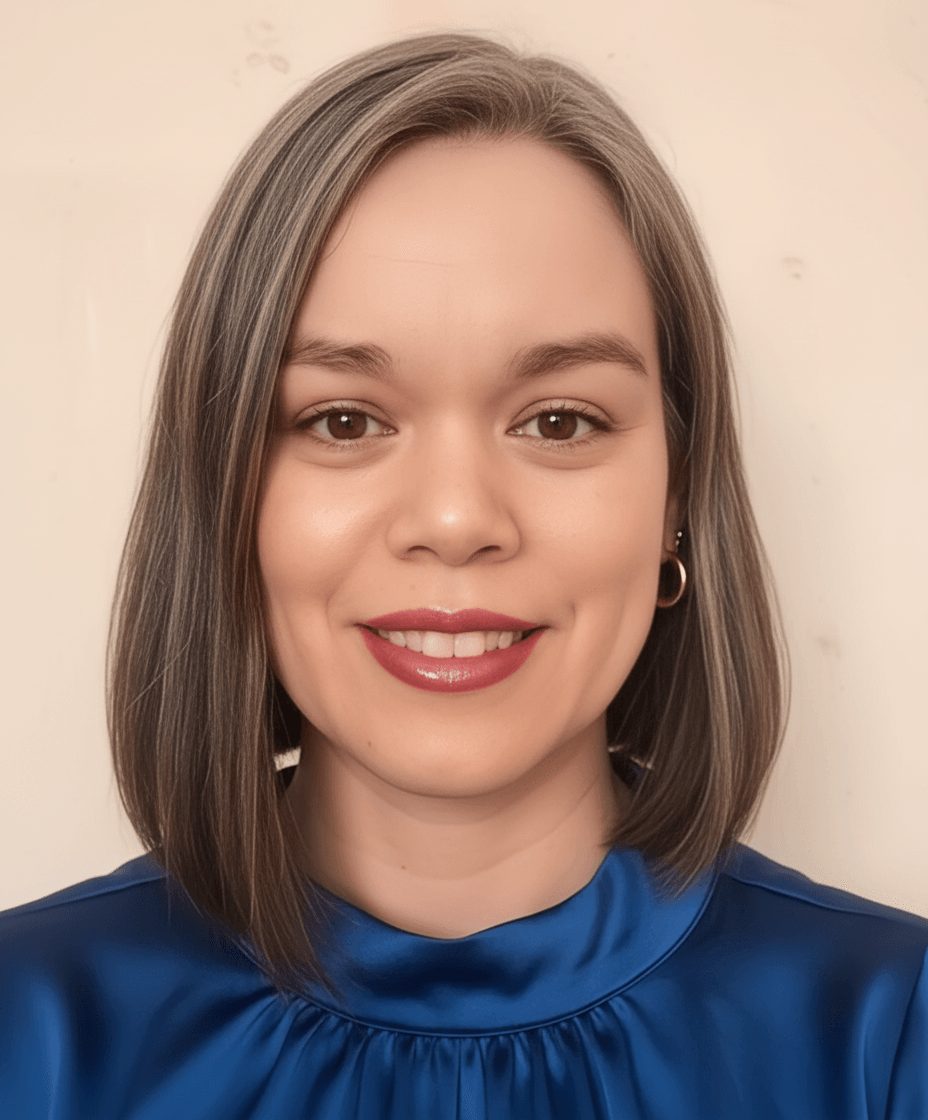
Hello, I'm Janet.
I’m a disciple and servant of Jesus Christ, helping people with limited resources and challenging circumstances build multiple income streams through digital products, self-publishing books, and Affiliate Marketing. I’m also a wife, mom, teacher, author, Christian Life Coach, and creative entrepreneur.
© 2026 Simple Creative Projects | Created with systeme.io